Read offline
Download chapters, queue series, and read on the train, in the air, or anywhere there is no signal.
Yomu Originals Comics made by the Yomu team
Now on iPhone · iPad · Mac
Read manga, webtoons, and manhwa offline. Beautiful, fast, and synced across every device you own.

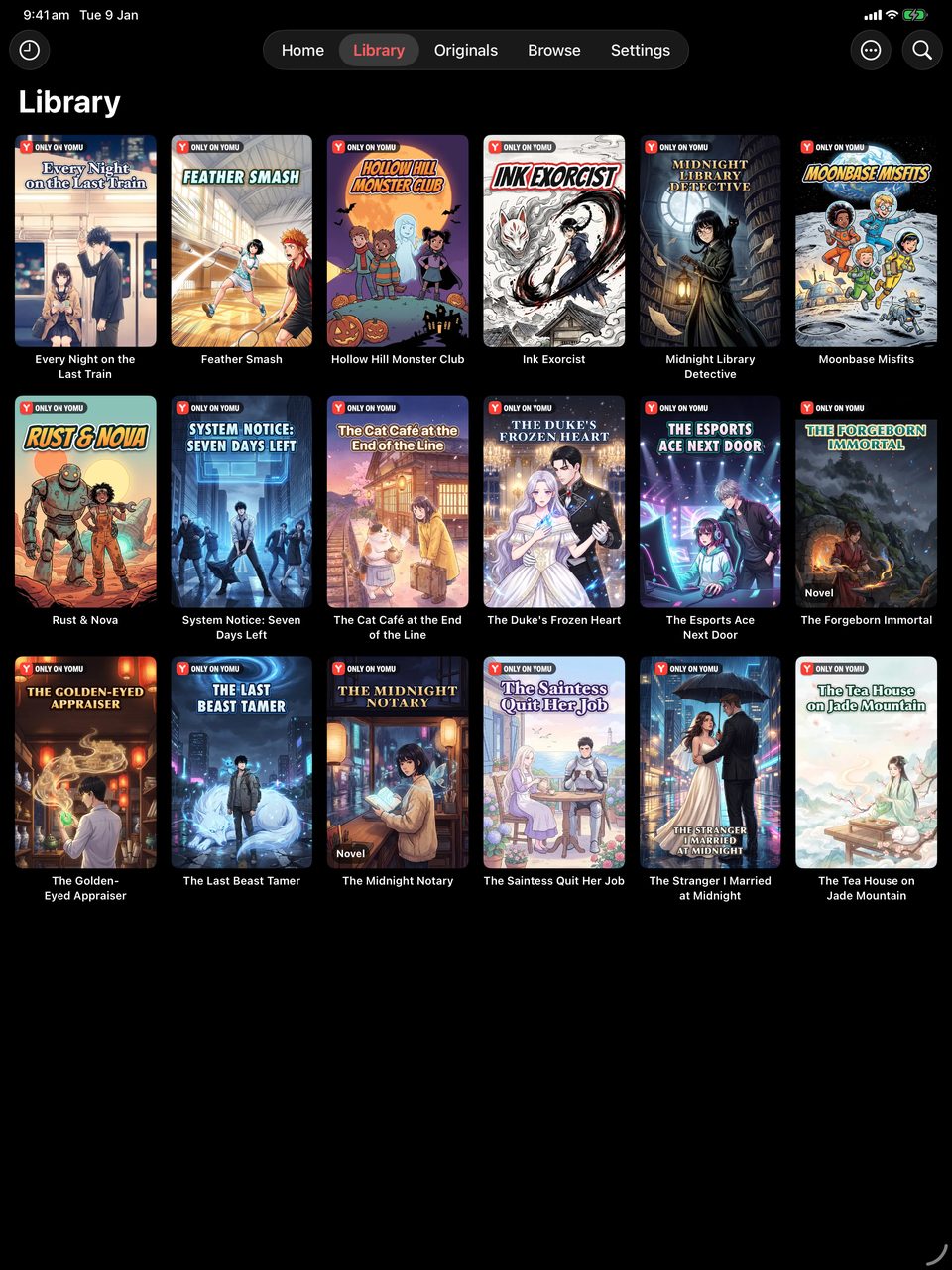
What is Yomu?
Yomu is a manga, manhwa, and webtoon reader app for iPhone, iPad, and Mac, developed by Mobile Alchemy Ltd and released in 2026. It brings local files (CBZ, CBR, EPUB, PDF), self-hosted libraries (Komga, Kavita, Jellyfin, OPDS, and SMB, NFS, or WebDAV shares), and online sources from extension repositories together in one library — with offline downloads, iCloud sync, AI translation, and AniList, MyAnimeList, Kitsu, and MangaUpdates tracking. Yomu is free with ads; Yomu Premium unlocks the advanced features.
Features
Download chapters, queue series, and read on the train, in the air, or anywhere there is no signal.
Library, reading progress, bookmarks, and history follow you across iPhone, iPad, and Mac. No accounts, no setup.
Connect to OPDS catalogs, Komga, Kavita, and Jellyfin servers. Import Tachiyomi extension repos with one tap.
Sync reading progress with AniList, MyAnimeList, Kitsu, and MangaUpdates automatically as you read.
11 themes, 10 alternate app icons, light and dark — make Yomu yours. Built with native typography and motion.
Fully localized in 39 languages — Japanese, Korean, Spanish, French, German, Arabic, Hindi, Thai, and more.
Yomu Originals
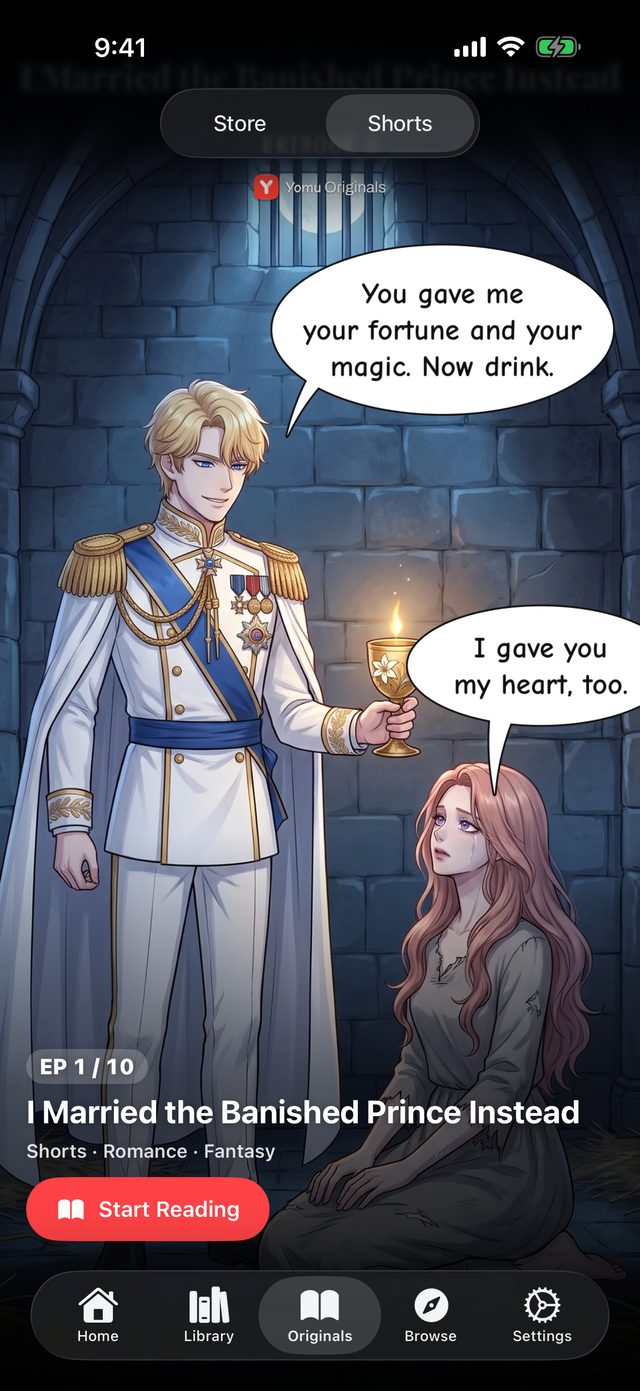
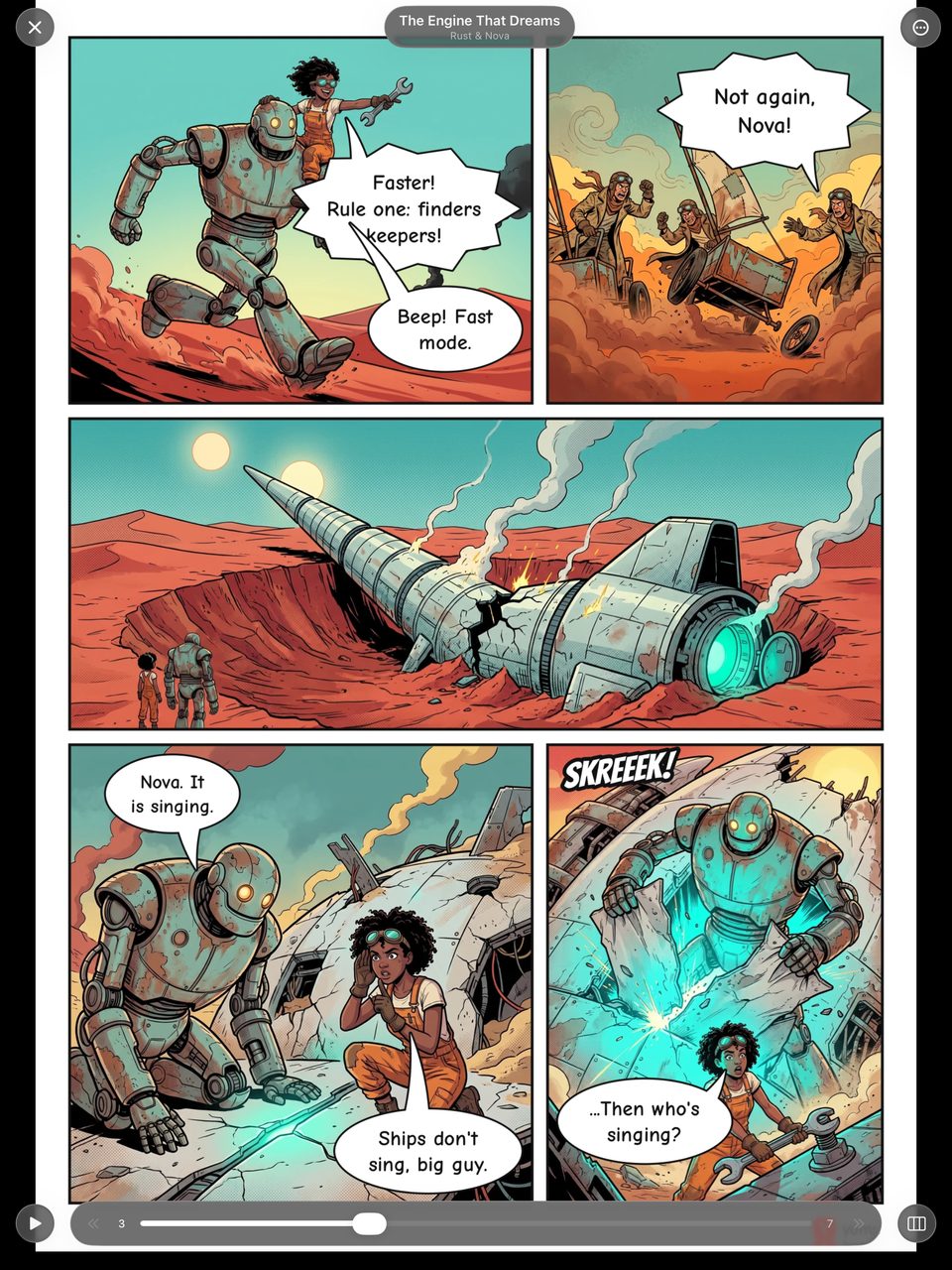
Yomu Originals are series made and owned by the Yomu team: manga, manhwa, manhua and comics, plus dramas and novels. Every series comes in many languages, and its first chapters are free to read.
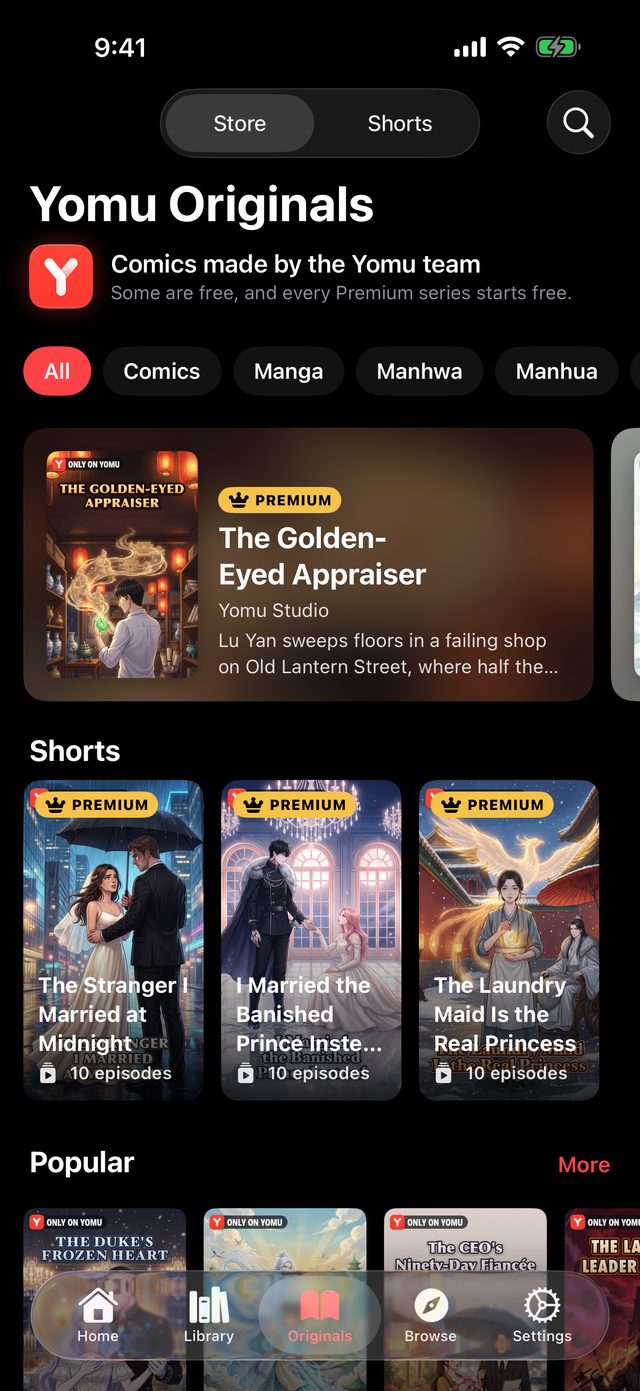
Every series is made and owned by the Yomu team, in manga, manhwa, manhua and comic styles, and comes in many languages.
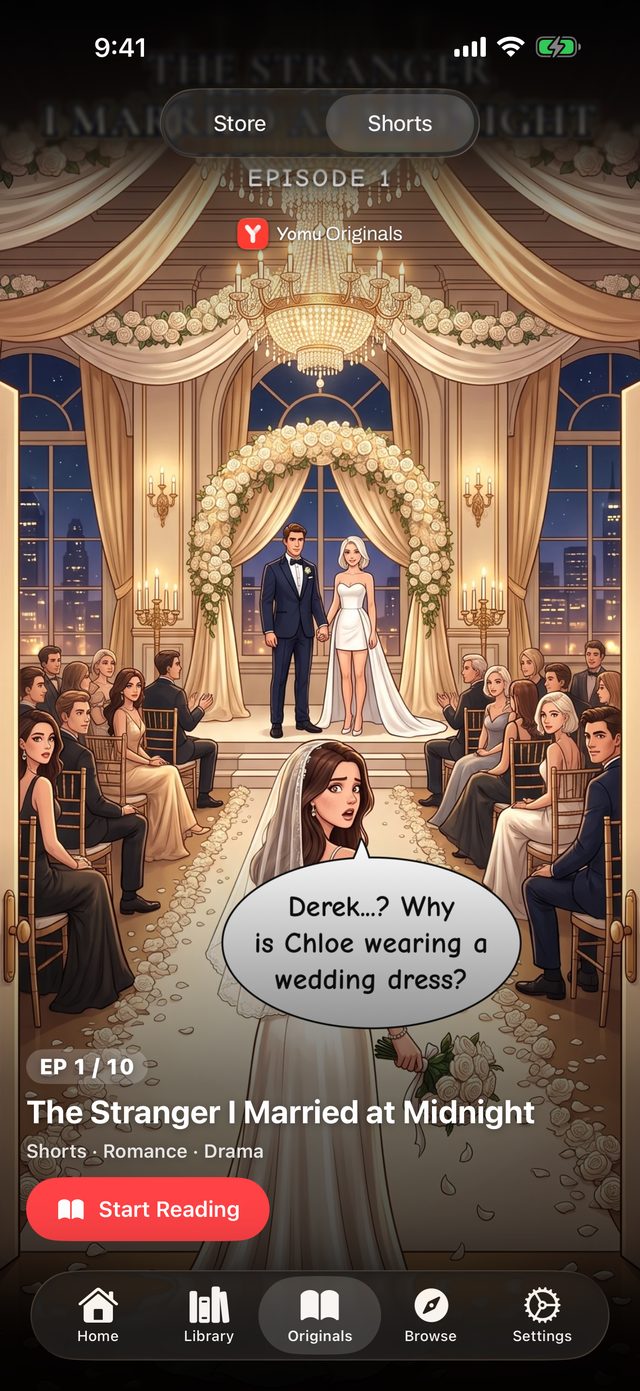
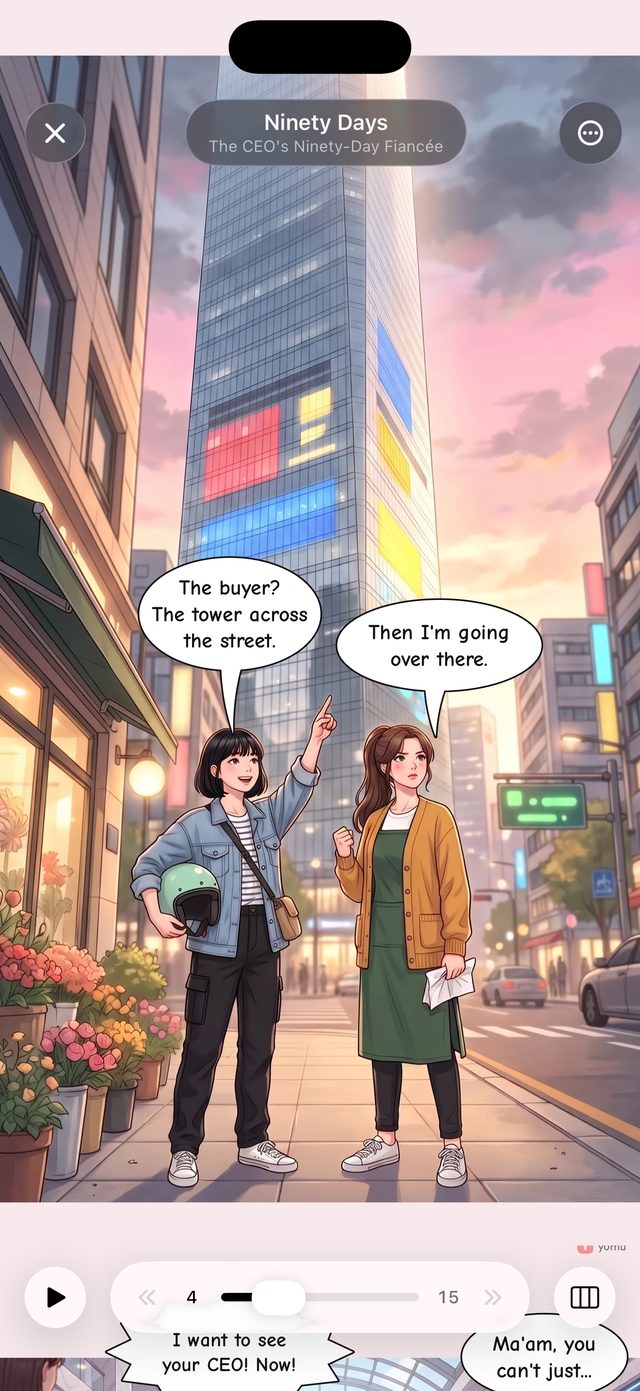
Stories told in full-screen vertical episodes, each one running straight into the next.
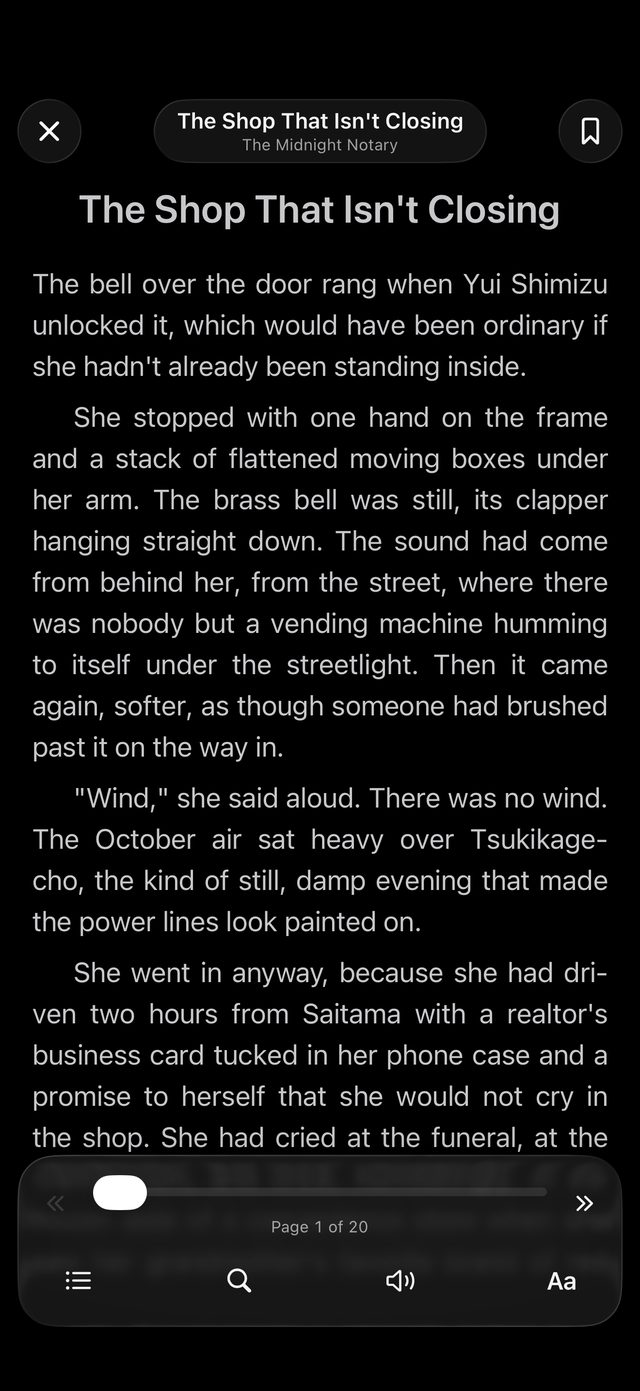
Prose series with a reader of their own: choose the font, spacing and theme, and turn pages or scroll.
Reader
Choose paged or webtoon flow. Tap, swipe, or scroll — Yomu adapts to the reading direction of every series. Manhwa goes vertical. Manga goes right-to-left. Comics go left-to-right.
Library
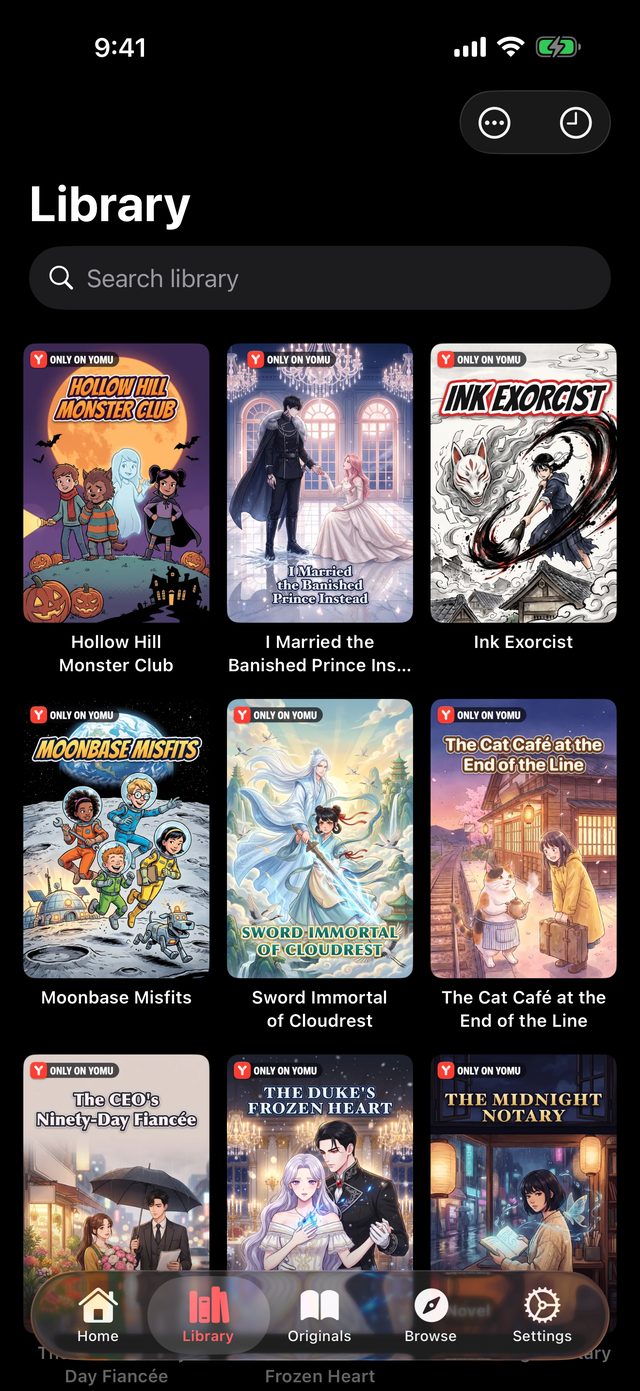
Categories, custom sort, grid or list. Pinch to resize covers. Pull to refresh updates across every series at once. iCloud quietly keeps all your devices in sync.
Sources & integrations
Bring your own library — Yomu speaks the open standards.
Reading progress, status, and ratings sync as you read.
Already have a Tachiyomi or Mihon setup? Yomu reads your existing extension repositories.
Sync
Start a chapter on the train, finish it at home on Mac, bookmark it on iPad. Nothing to configure. Apple's iCloud handles everything in the background — privately and securely.
FAQ
Yomu is a native manga, manhwa, and webtoon reader for iPhone, iPad, and Mac, made by Mobile Alchemy Ltd. It reads your own CBZ, CBR, EPUB, and PDF files, connects to self-hosted libraries such as Komga, Kavita, Jellyfin, and OPDS catalogs, and adds online sources through extension repositories — with iCloud sync and reading trackers built in.
Yes. Yomu is free to download and use, supported by ads. Yomu Premium is an optional subscription that removes ads and unlocks AI translation, colorize and upscale, tracker sync, iCloud sync, backup and restore, media-server sources, and more.
CBZ, CBR, ZIP, RAR, 7z, TAR, EPUB, PDF, and plain image folders. Files can be opened from the Files app, iCloud Drive, or network shares over SMB, NFS, and WebDAV.
Yes. Add your server address and credentials and Yomu browses the library, keeps read status in sync, and downloads chapters for offline reading. Any OPDS-compatible catalog works too. Media-server sources are part of Yomu Premium.
Yes. Yomu reads Tachiyomi- and Mihon-style extension repositories: paste a repository URL and its sources appear in the Browse tab. You can also restore a Tachiyomi, Mihon, or Kotatsu backup to bring your library and reading progress across.
Yes. With Yomu Premium, iCloud keeps your library, reading progress, bookmarks, history, and settings in sync across all your devices — no Yomu account needed. Local files can also be moved between devices with Wi-Fi transfer.
Yes. Yomu detects the text on each page with on-device OCR and translates it into 27 languages, fitting the translated text back into the speech bubbles. Translation, colorize, and upscale are Yomu Premium features.
Yes. Link a series to AniList, MyAnimeList, Kitsu, or MangaUpdates and Yomu updates your progress, status, and score automatically as you read. Tracker sync is included in Yomu Premium.
No. Yomu is built with SwiftUI exclusively for Apple platforms: iPhone and iPad (iOS 16 or later) and Mac (macOS 14 or later). There is no Android, Windows, or web version.
No. Yomu does not host, bundle, or distribute any manga. It is a reader: you bring your own files, connect a library you already run, or add online sources through extension repositories you choose.
39 languages
Yomu speaks your language — and your reader's. Every screen, every menu, every error message: translated for 39 storefronts.
Free to download. No account required.


